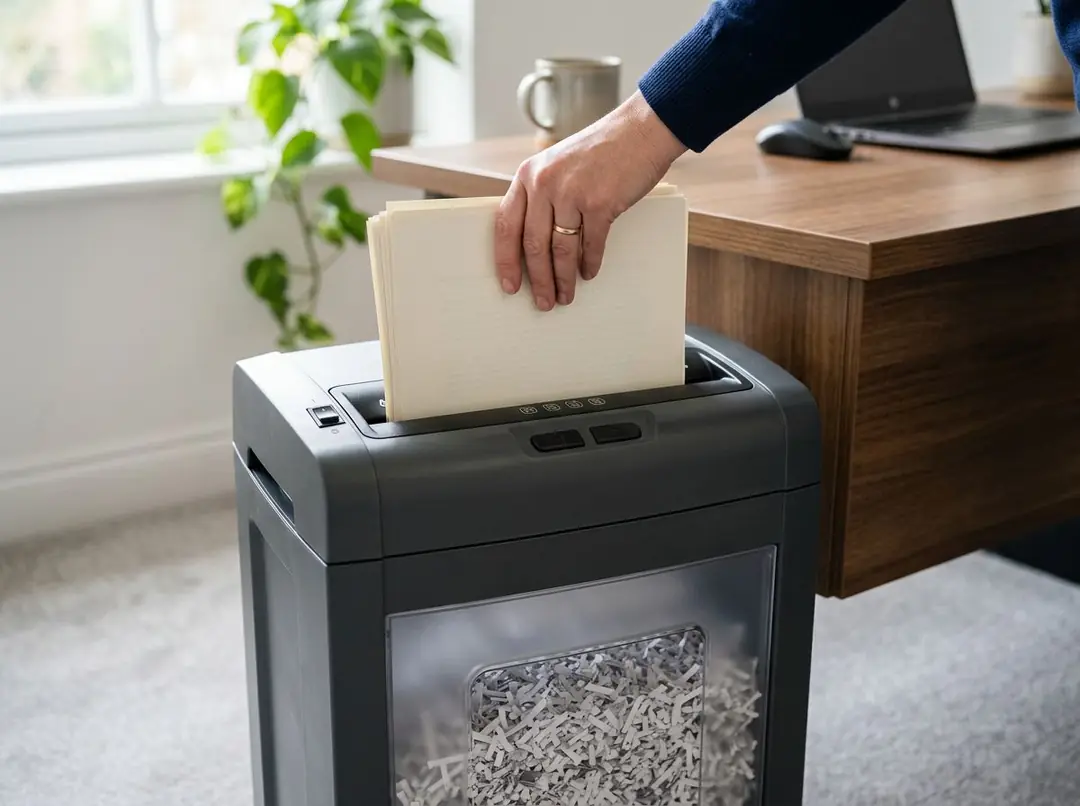


Almost every shredder jam comes down to one of three causes: too many sheets at once, a missed oiling, or something that should never have gone in. All three are recoverable without tools, and all three are preventable.
The important part is what you do in the first ten seconds.
Step one: stop and reverse
Switch the machine to reverse and hold for a few seconds to back the paper out. Many machines have auto-reverse that triggers on overload — if yours does, let it complete before intervening.
If the wad does not come free immediately, alternate forward and reverse in short bursts, a few seconds each way. The rocking motion works paper loose far better than sustained force in either direction.
What not to do: hold the motor against a solid jam for an extended period. That is how motors burn out, and a burnt-out motor turns a five-minute inconvenience into a replacement machine.
Step two: unplug before you touch anything
If reversing has not cleared it, unplug the shredder. Not switched off — unplugged at the wall.
This is not excessive caution. Many shredders have auto-start sensors in the paper slot, and a machine that is merely switched off can still respond to a hand reaching in. Unplugging removes that possibility entirely. Every safe-clearing procedure begins here.
Step three: clear it
- Lift the shredder head off the bin and set it on a flat surface where you can see the underside of the cutting head. Most of a jam is usually on the underside, not visible from the slot.
- Pull the visible paper out the way it went in. Grip the whole wad rather than tearing at a corner — tearing leaves fragments wedged between blades, which is what turns one jam into a recurring one.
- Use tweezers or blunt-nosed pliers for pieces caught between the blades. Never put fingers into the cutting head, even unplugged; the blades are sharp whether or not they are turning.
- Check for anything that is not paper. A paper clip, a binder clip or a fragment of plastic card is frequently the actual cause, and leaving it in guarantees a repeat.
- Oil the cutters across the full slot width before reassembling. A jam almost always means the head was running dry, so clearing it without oiling fixes the symptom and leaves the cause.
- Reassemble, plug in, and run two or three scrap sheets. Listen — it should sound like it did when new.
The three causes, and how to stop them recurring
Overfeeding
Sheet capacity is measured with fresh 20lb paper in a laboratory. Real paper behaves differently. Stapled sets count as more than their page count because the staple adds resistance. Folded pages count double at the fold. Glossy stock, card and humid paper all load the cutters more than plain copier paper.
The practical rule: feed about two-thirds of the rated capacity. A machine rated for 12 sheets fed 8 at a time will outlast the same machine fed 12 every time, and it will jam far less along the way.
Dry cutters
Covered above, and worth repeating because it is the cause people most consistently underestimate. Residue builds gradually, friction rises gradually, and the machine seems fine right up until it does not. Oil every time you empty the bin and this cause largely disappears.
The wrong material
Check the "can shred" line in the specification table before feeding anything unusual. Many machines handle staples, paper clips and credit cards; far fewer handle CDs, and almost none handle laminated sheets or adhesive labels.
Laminate and adhesive are the two that do lasting damage, because they do not fragment — they smear. Adhesive residue on a cutting head attracts paper dust and builds into a deposit that no amount of oiling will shift.
When it is not worth fixing
If a machine jams repeatedly on normal loads after a thorough clean and oiling, the cutters are probably worn. Blade wear is gradual and shows up as tearing rather than cutting, then as jams on sheet counts that used to be fine.
Before replacing the machine, check the cutter warranty. It is frequently five years or more — considerably longer than the machine warranty — and a worn cutting head inside that window may be covered. The warranty term is listed in the specification table on every shredder product page here.
Habits that prevent most jams entirely
- Feed at two-thirds of rated capacity, not at the limit.
- Remove binder clips and bulldog clips. Staples are usually fine; check the specification.
- Oil at every bin change.
- Empty the bin before it is packed. An overfull bin backs paper up into the cutting head, which is a jam from below rather than above.
- Let the machine cool fully when it stops. Restarting a hot machine repeatedly is hard on the motor.
- Keep the vents clear. A shredder wedged under a desk against a wall overheats sooner than its rating suggests.
If you are replacing rather than repairing, match the machine to your real load: personal and home, small office, or commercial and departmental shredders. Keep oil on hand either way.